

These days, many people use iPhones, and when it comes to photography, users often prefer taking pictures with their phones rather than high-end cameras. Here are some useful tips for capturing amazing photos with your iPhone.
The iPhone’s built-in camera offers several shooting options. For example, if you plan to post on Instagram, you can use the Square mode. Likewise, you can experiment with other modes such as Panorama to capture wider, more immersive shots.
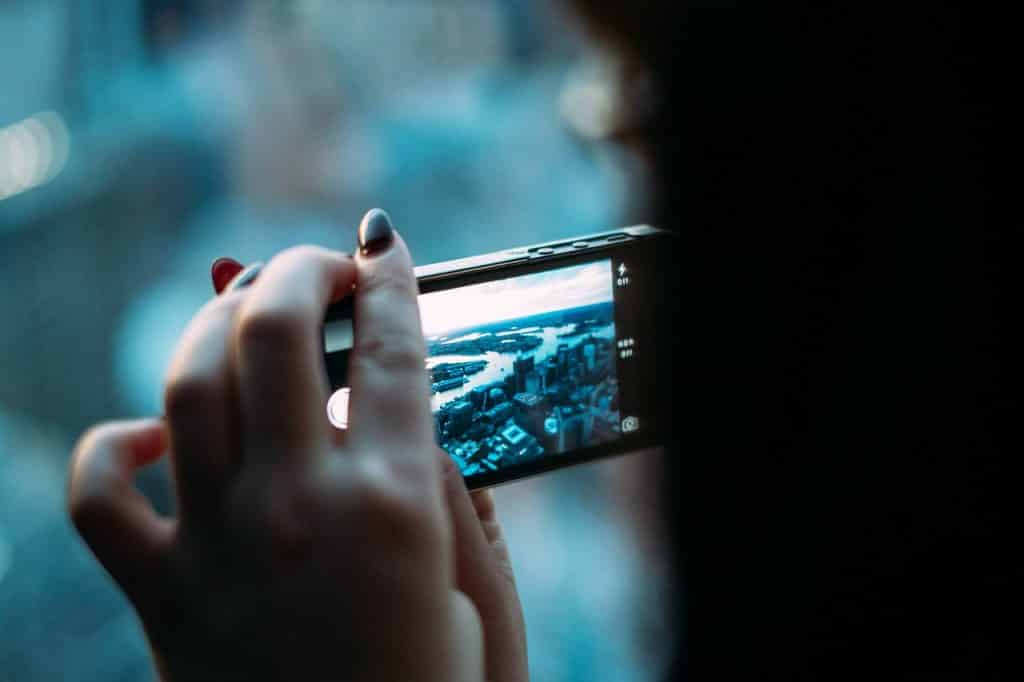
The iPhone includes a feature called Grid mode, which displays reference grid lines on the screen to help you frame your shots straight and align them at the perfect angle.
If you’re capturing moving subjects or taking photos at a sports event, you can use Burst mode to shoot multiple images quickly without blur. This feature is available on the iPhone 5s and later models.
Like many other smartphones, the iPhone also includes a camera flash that can be used in low-light settings. You can set it to Auto Flash so it activates automatically whenever the lighting conditions drop below the recommended level.
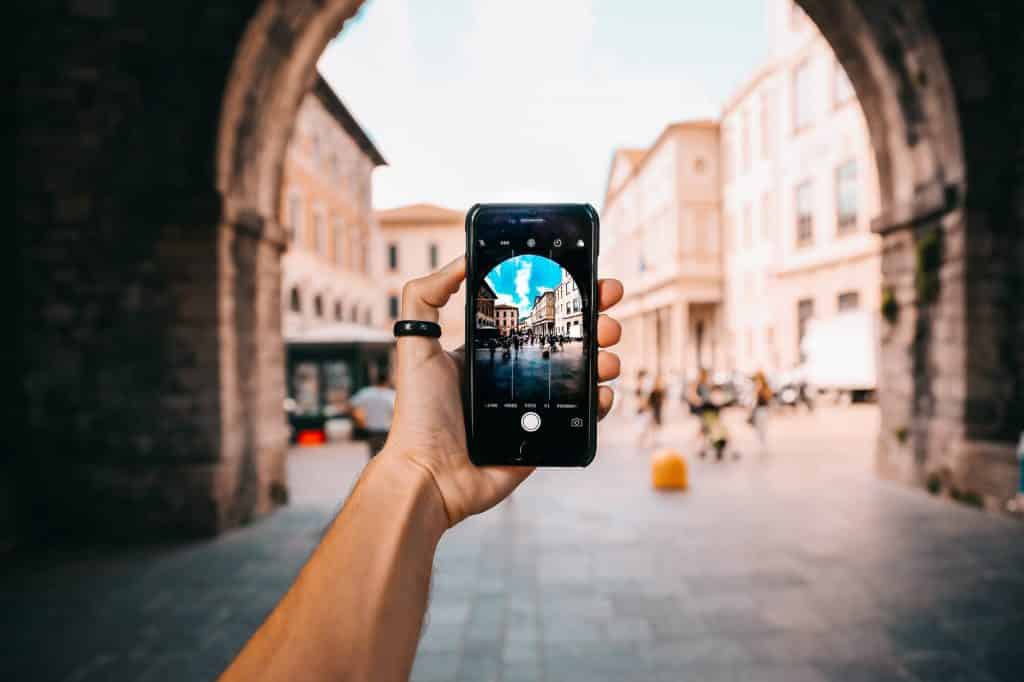
Try using the volume buttons to take photos, as tapping the screen can sometimes cause the phone to shake or lead to the subject going out of focus. Adjust your iPhone settings so you can use the volume controls to capture images more steadily.
These are just a few smart and simple ways to capture great photos with your iPhone—without much effort or strain.