
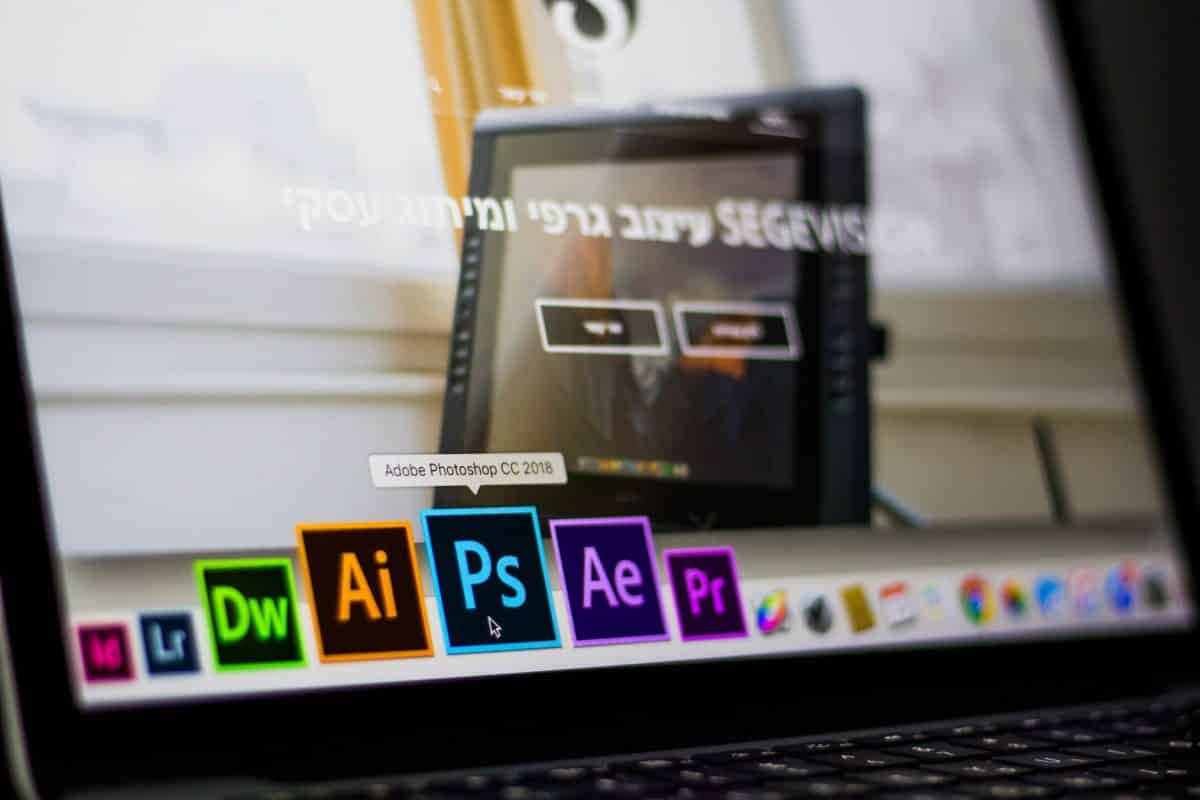
Photoshop is the most widely used software among professional photographers for post-production editing. While some may prefer advanced alternatives such as Lightroom, Photoshop remains the foundation for most. Let’s explore a few useful Photoshop tricks that every professional should know.

Fade Effect:
Although a familiar term, the fade effect is often overlooked in Photoshop. It’s a fantastic long-standing feature that allows you to control the intensity of filters applied to your photo. By default, it’s not visible—you’ll only see this option once you’ve applied a filter.
Multi-document Layer Dragging:
When you need to make identical edits across multiple images, this tool is invaluable. You can apply the same adjustments to all your images simply by dragging layers between documents, saving a great deal of time and effort.

Managing Presets:
As a professional photographer, you’ll already know the value of presets in Photoshop. To access brushes, styles, gradients, and other items, head to Edit ? Presets ? Preset Manager. You can customise these to fit your workflow and back them up for future use.
Photoshop Reset:
Occasionally, long-term use of Photoshop can cause performance issues. If problems persist, you can reset the application to restore normal functionality. To do this, press Shift + Alt + Ctrl while launching Photoshop. A prompt will appear asking whether to delete old files—click Yes to confirm. Be aware that this resets all preferences and settings to their default state.