
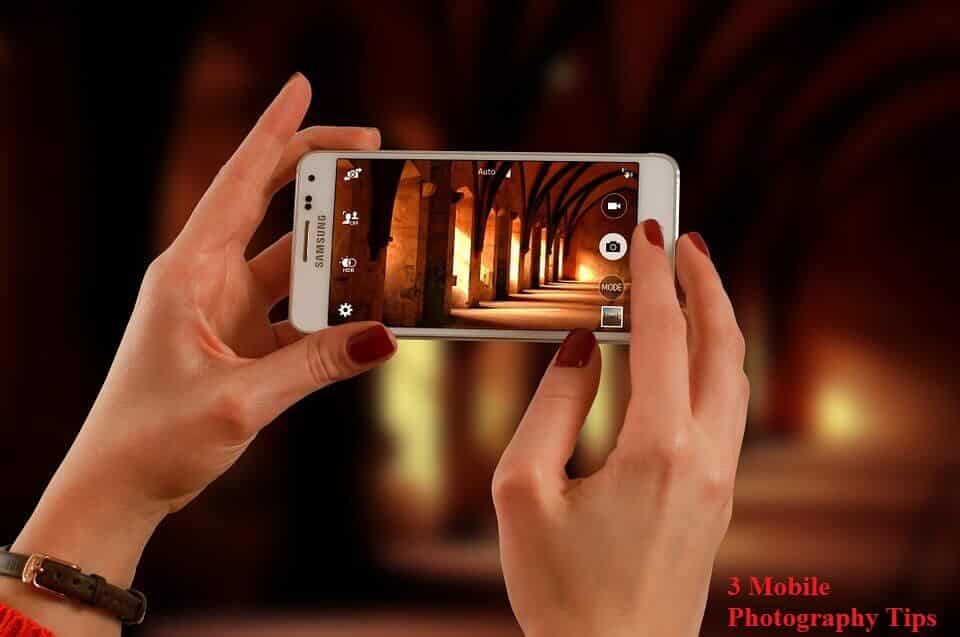
Taking incredible photos with a smartphone is straightforward if you follow some guidelines on the essential elements of photography: exposure, composition and photo editing. In this article, you’ll learn three techniques every serious mobile photographer should know. If you’re just starting out with mobile photography, these are the three to master first.
1. Clean The Lens
Your smartphone spends a lot of time in your pocket, a bag or your hand, so it collects plenty of dirt, dust and grease on the lens. Dirt, dust, grease and fingerprints on your lens have a big effect on the quality of your photos. A dirty lens blocks light from reaching the camera’s sensor and leaves smudges, blurs or dust spots on your images. A clean lens will give you sharp, clear images with your iPhone.
Clean the lens each time you take your phone out to shoot. Use a soft lens cloth, as abrasive cleaners will scratch the glass over the lens and lower your image quality.
2. Set The Focus
It’s very important to make sure your subject is in sharp focus. To set the focus on a smartphone camera, simply tap the screen where your subject sits in the frame. A small yellow square will appear to confirm the focus point. If your subject is moving around, tap the screen to make sure they’re in focus before taking the shot.
3. Adjust Exposure Manually
When you focus on the subject, the camera also uses that focus point to set the exposure. Exposure refers to the brightness and darkness of the image. However, letting the camera set exposure from the focus point isn’t always ideal. For example, if the subject is in a dark area of the frame, the overall image may end up overexposed or too dark.
Most importantly, keep taking great photos and have fun!